01 / RECORD
Give every feed its context.
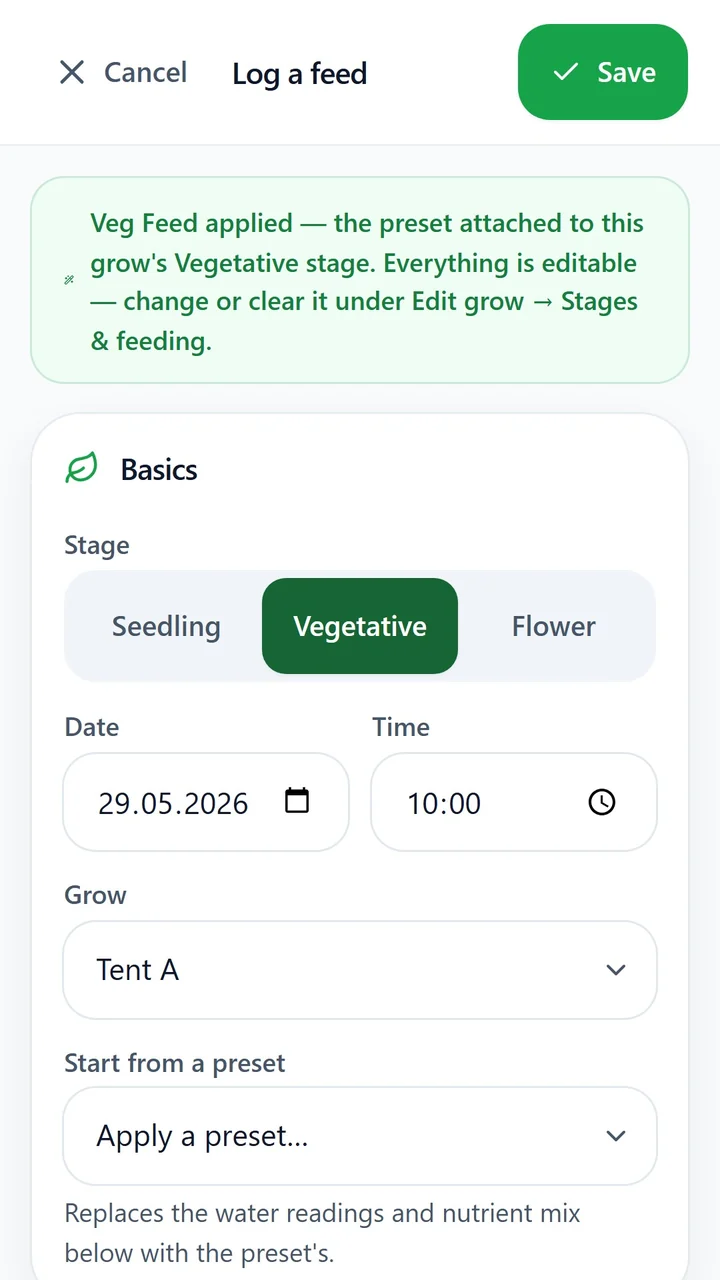
Choose your preset, growth stage, date and time, then log the mix: nutrients, water quantity, EC, pH and live totals. Keep each feed connected to the right moment in your grow.
 GrowChronicle™
For the detail-minded grower
Track feeds, EC and pH in one private journal. See what changed, stay on schedule, and carry the lessons into your next grow.
The complete one-grow workflow is free.
01 / YOUR GROW, AT A GLANCE
For the plants
you take seriously
From first feed to final harvest
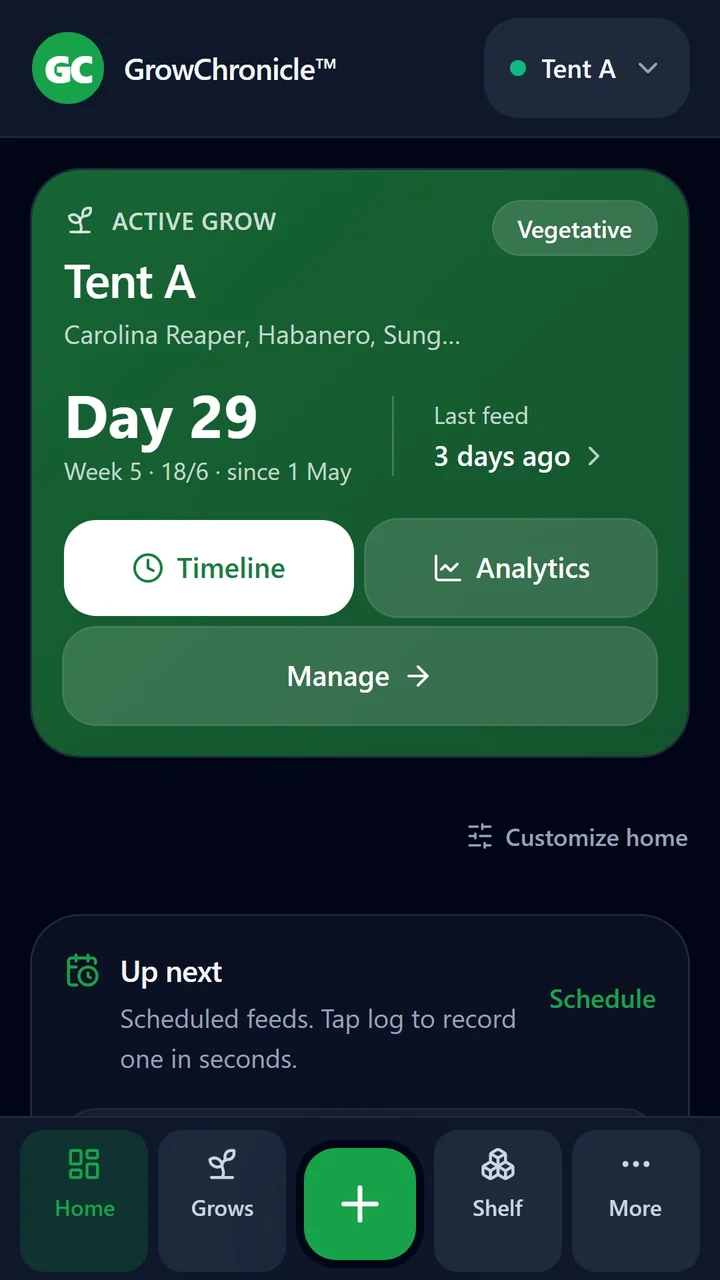
Keep the detail without losing the bigger picture. Bring your feeds, readings and progress together, through every stage.
Choose your preset, growth stage, date and time, then log the mix: nutrients, water quantity, EC, pH and live totals. Keep each feed connected to the right moment in your grow.
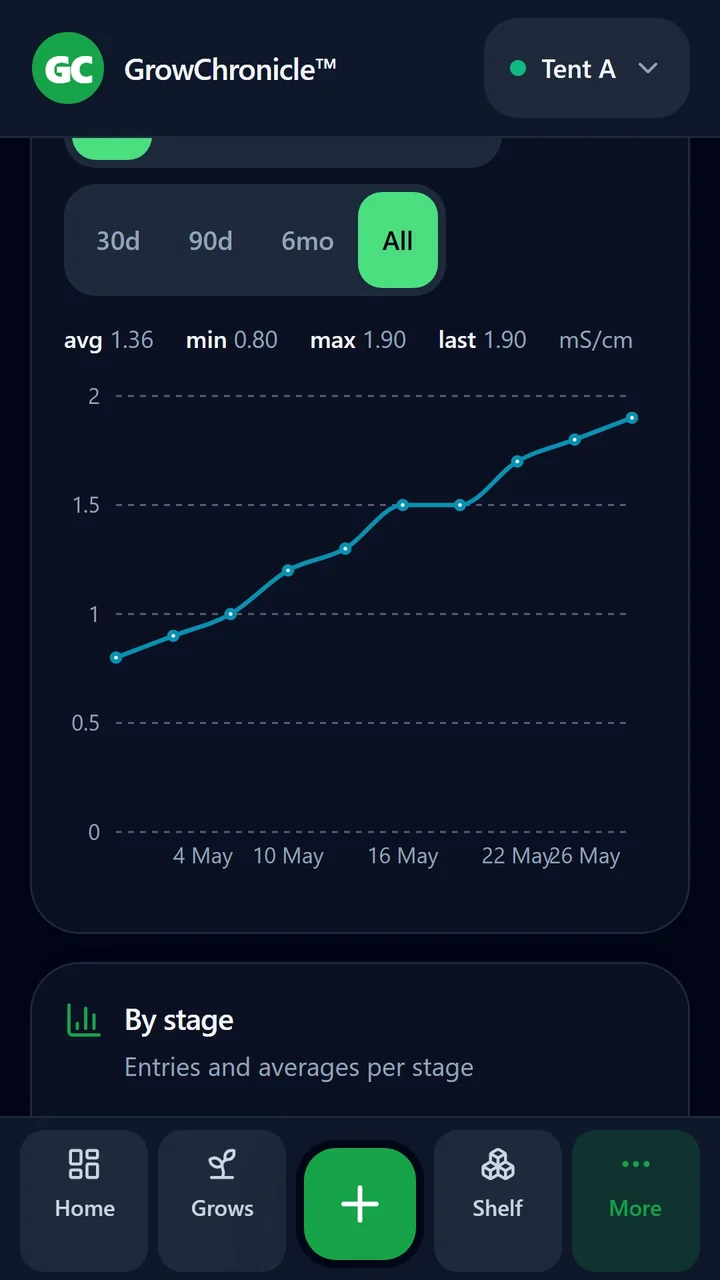
Follow EC, pH and temperature, with warnings for out-of-range readings — drift shows up before problems do.
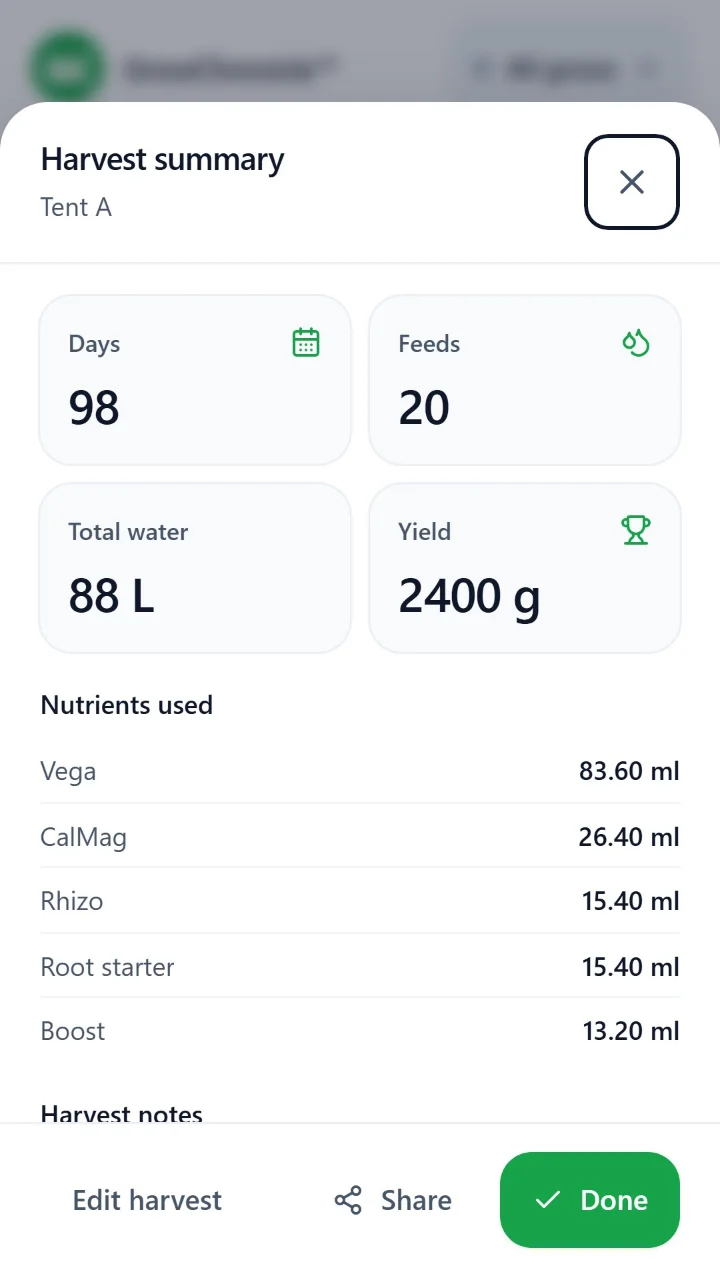
Share your harvest summary, then follow drying and curing guides for your crop. Keep the lessons for the next grow.
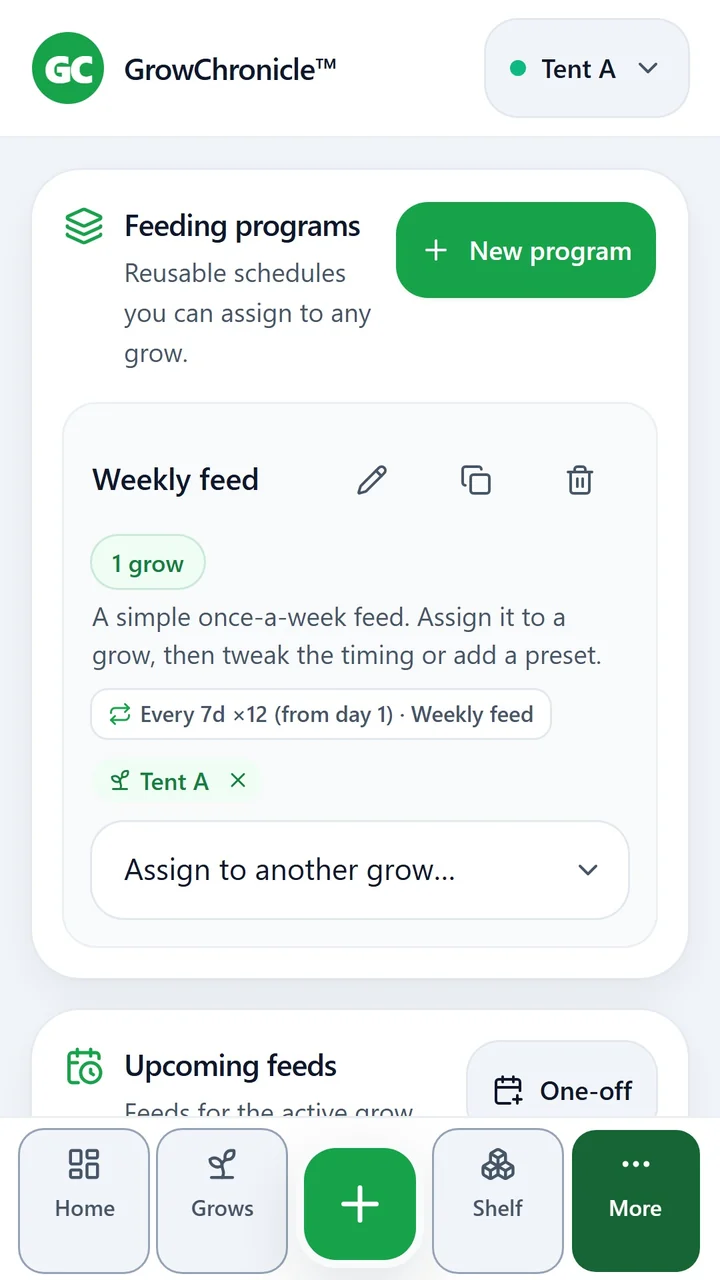
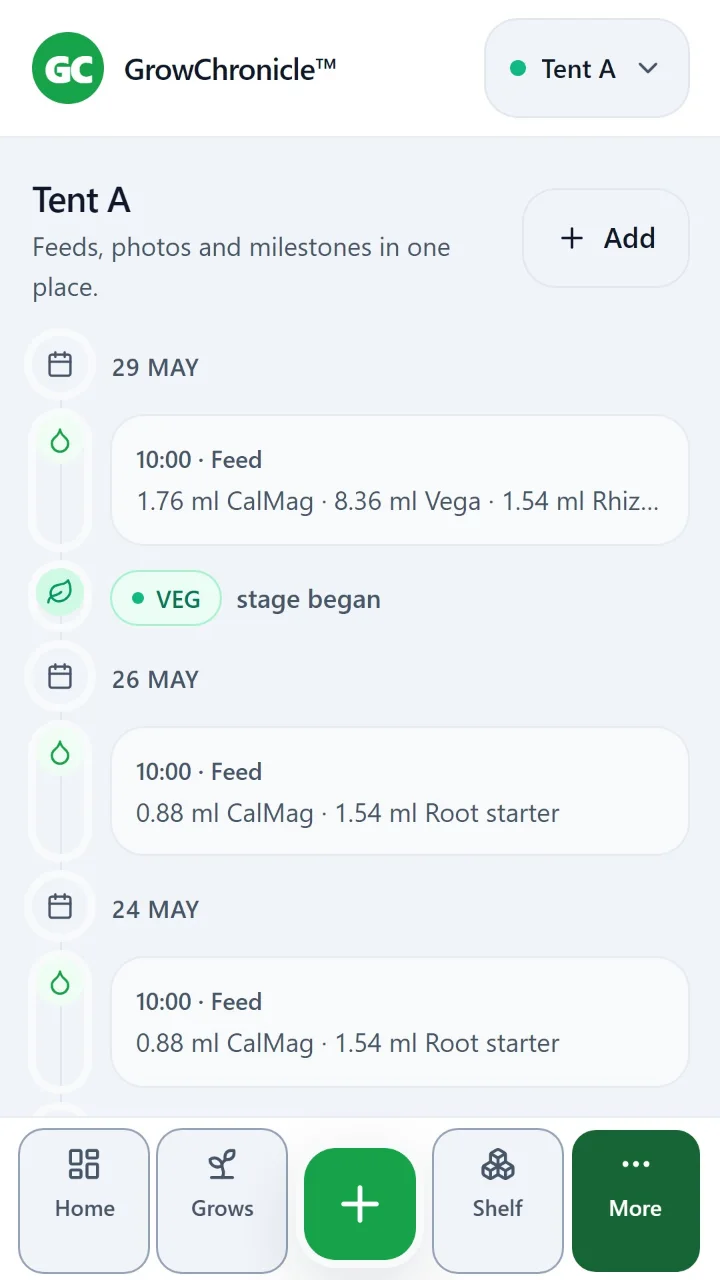
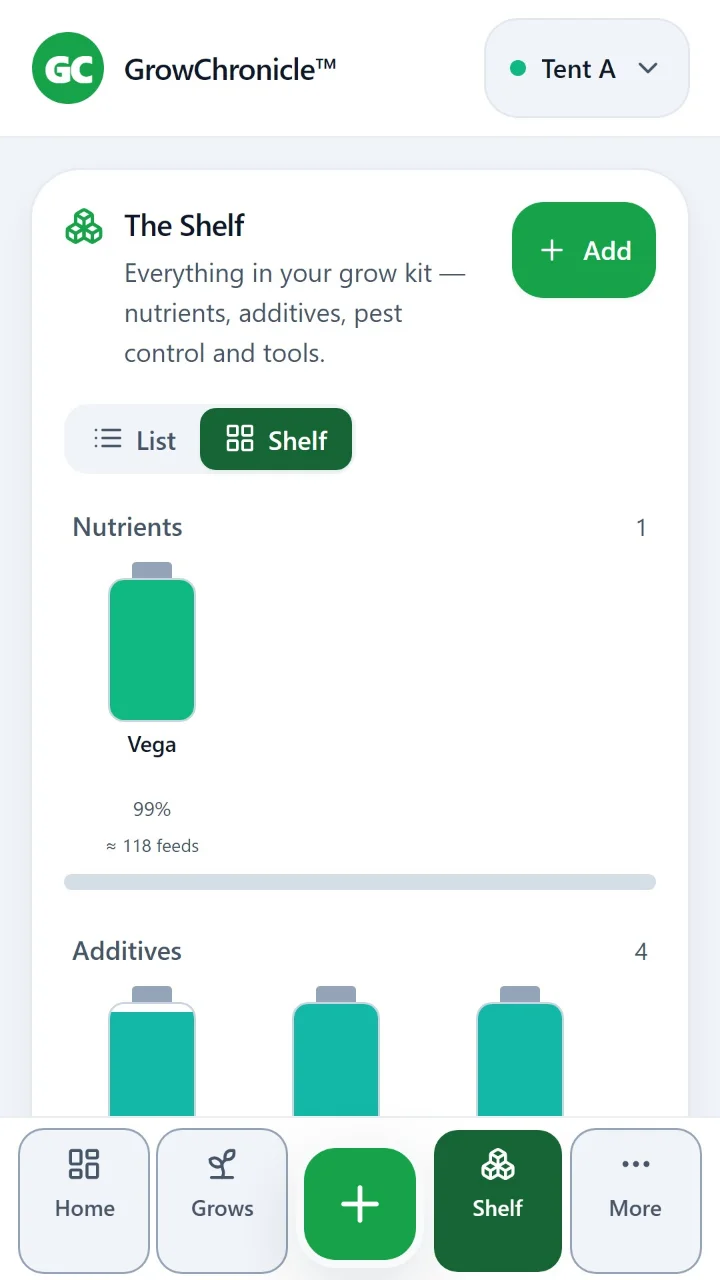
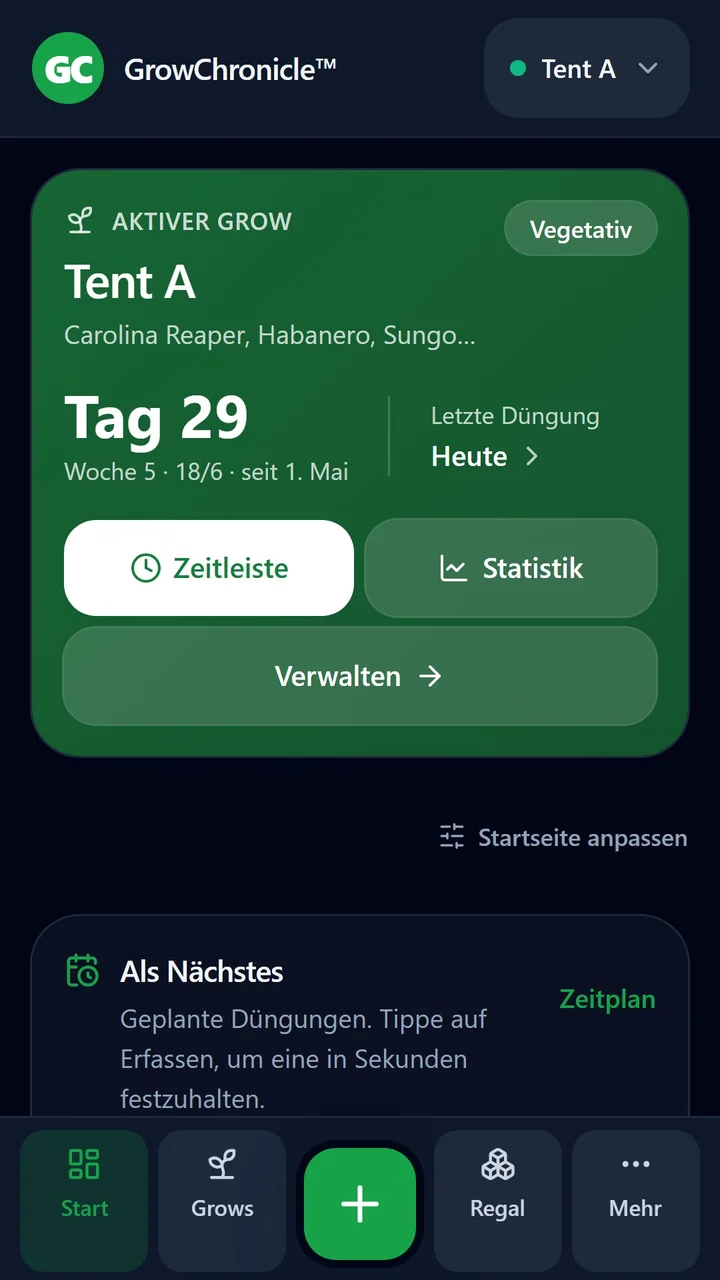
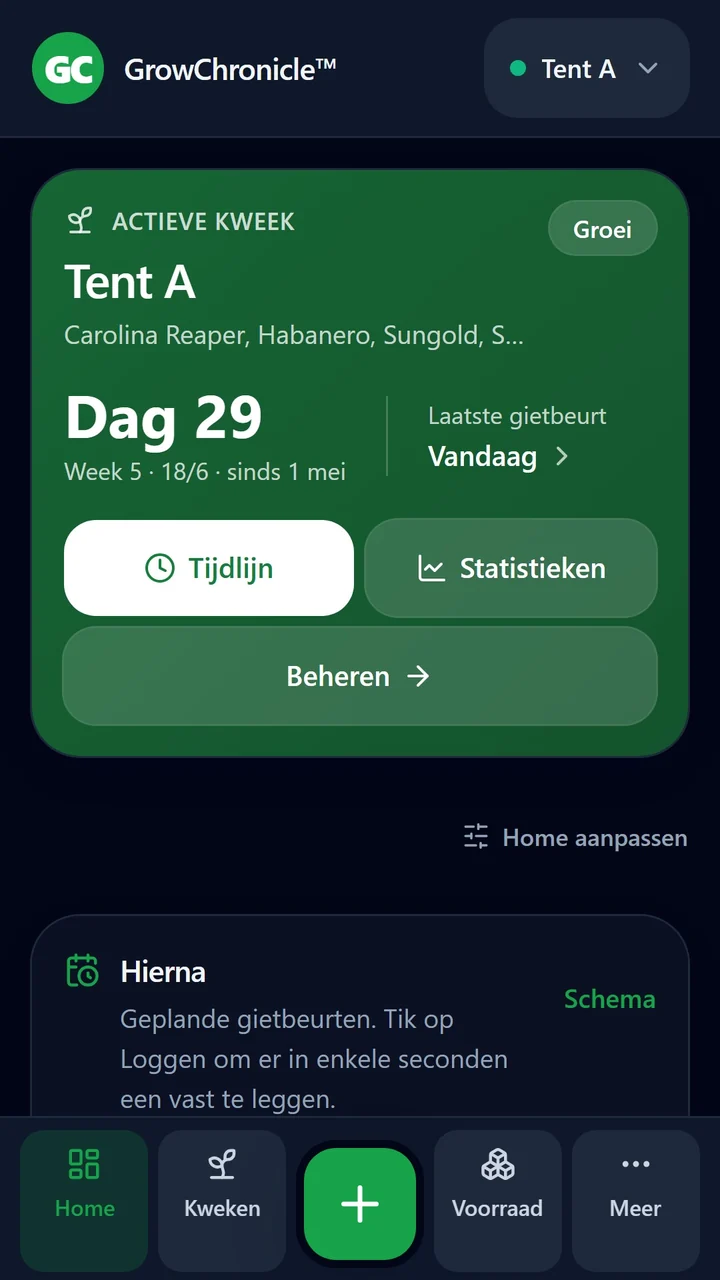
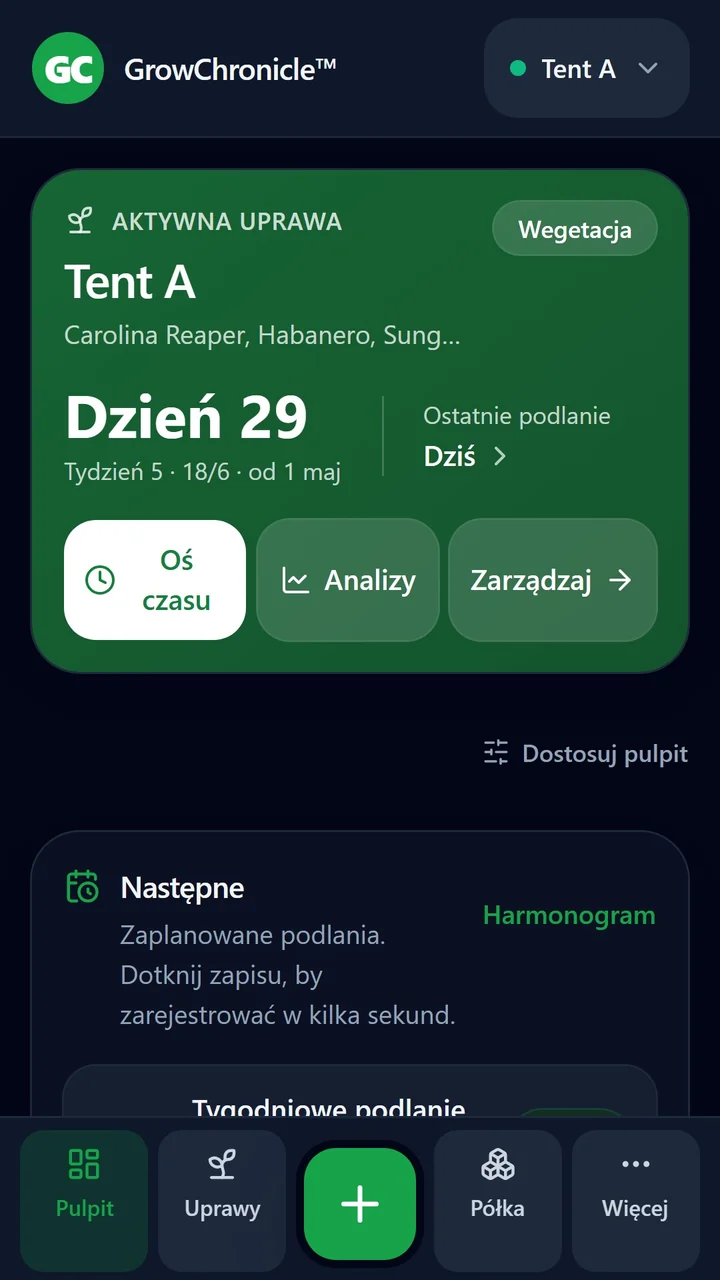
Real app screens with example data.
Plan recurring feeds by stage, then log them when the day comes. One daily digest of what is due, scheduled on your phone. No server needed.
Bring your feed records, notes and progress photos together, day by day.
Shelf stock draws down when you save a feed, so you know what is left and when to reorder.
Work out feed per plant, nutrient strength and more. Custom formulas are a future Pro addition.
Fruiting vegetables, chillies, leafy greens and ornamentals have their own stages, including sub-stages such as fruit set and ripening.
Save a feed as a preset and attach it to a stage. Quick log follows your programme.
Organise feeds in groups and keep track of individual pots.
Keep your varieties together, including their seed success rate.
Select categories to export or import in one JSON file. Your records stay portable.
Private by design
Your grow journal lives on your device. Log a feed in the greenhouse, check a reading in the tent, or add a note wherever you're growing.
Read the privacy policyOpen the app and start keeping your record.
Notifications only if reminders are on; photos through the system picker. The app uses the network only for Google Play purchases and the review prompt. No location, contacts or background access.
Your phone's Google backup reinstalls the app, never your journal. Export a copy and keep it somewhere safe.
Yes. Your journal, feed logging, readings, charts and daily reminders work on your phone without a connection. Google Play purchases and the review prompt need a connection.
The complete one-grow workflow is free. Keep one active grow with unlimited feed records and readings, photos & timeline, charts, schedules, shelf and gear, and backups. Archived and harvested grows don't count — the limit is on how many run at once.
Pro is planned as a one-time purchase for more scale and convenience, including unlimited active grows and custom formulas. It isn't on sale yet. Your free grow journal stays free when Pro arrives.
GrowChronicle is coming to Google Play first. An iPhone version is planned, with no date yet.
Export a backup from Settings → Data on your old phone, transfer that file, then import it into GrowChronicle on the new phone. Save your backup before wiping or replacing your device. Restoring the new phone from your Google backup reinstalls GrowChronicle but brings none of your journal with it.
Nine languages, including both English variants: English (UK), English (US), Czech, German, Spanish, French, Italian, Dutch and Polish. The app follows your phone's language; you can override it in Settings.
Made in the UK
Growing chillies and strawberries led me to build a journal I could keep alongside my plants, with feeds and readings in one place. I make GrowChronicle around my full-time job, with a free one-grow workflow and privacy at its heart.
The founder of GrowChronicle
Your next chapter
One payment for more scale and convenience. Your free grow journal stays free.